Why I built it
A big screen, already in my pocket.
iPhone Duo opens into a big screen. I wanted it next to my laptop as a second display, so I built this.
Nils


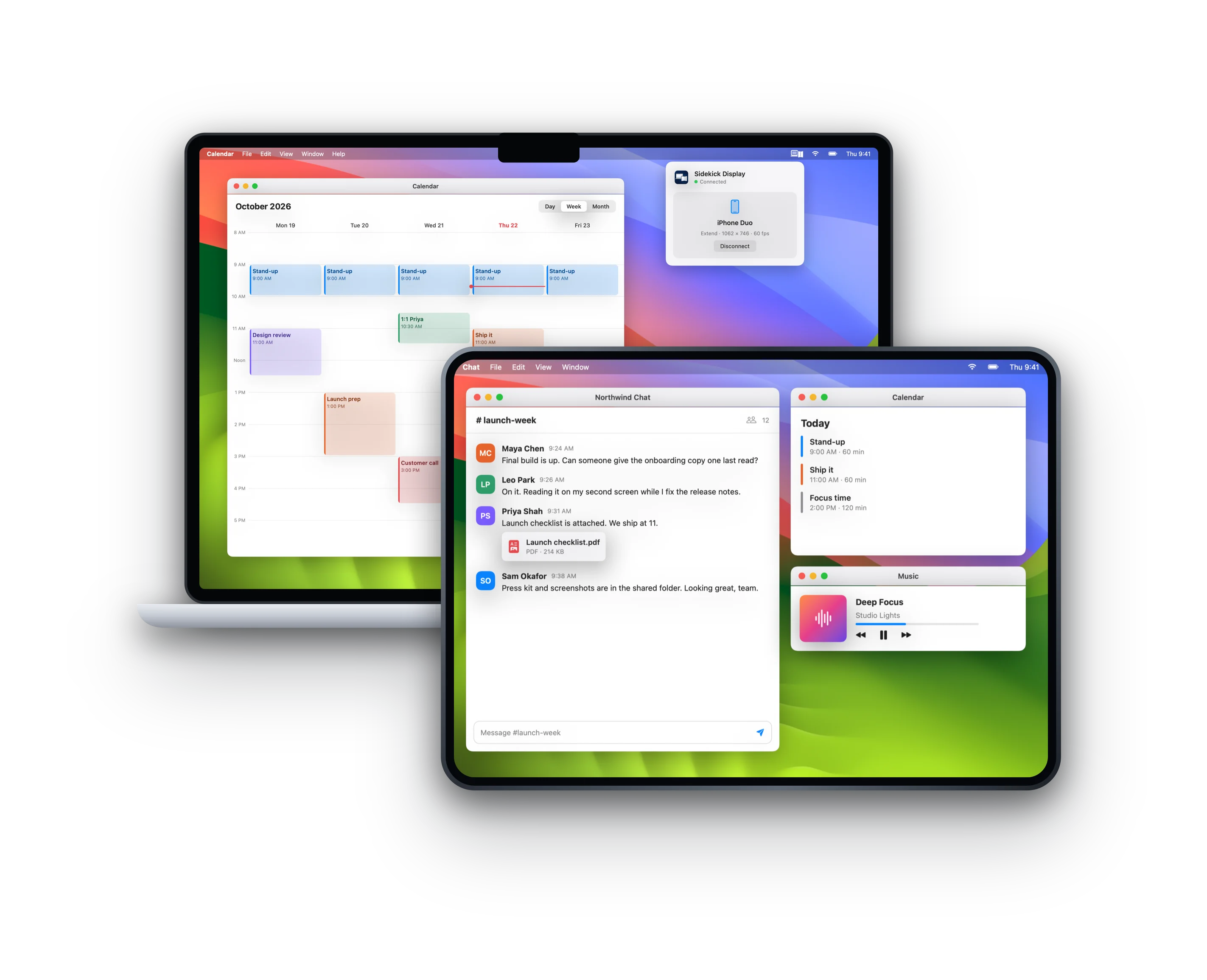
Plug in your iPhone Duo and your Mac or PC gets a big screen you can touch.
Why it's different
Open it for the big screen, fold it for the cover screen. Your Mac rearranges itself.
USB with hardware video encoding, for low lag.
No account, no analytics. Nothing leaves your desk.
Tap to click, drag to move, two fingers to scroll, hold to right-click.
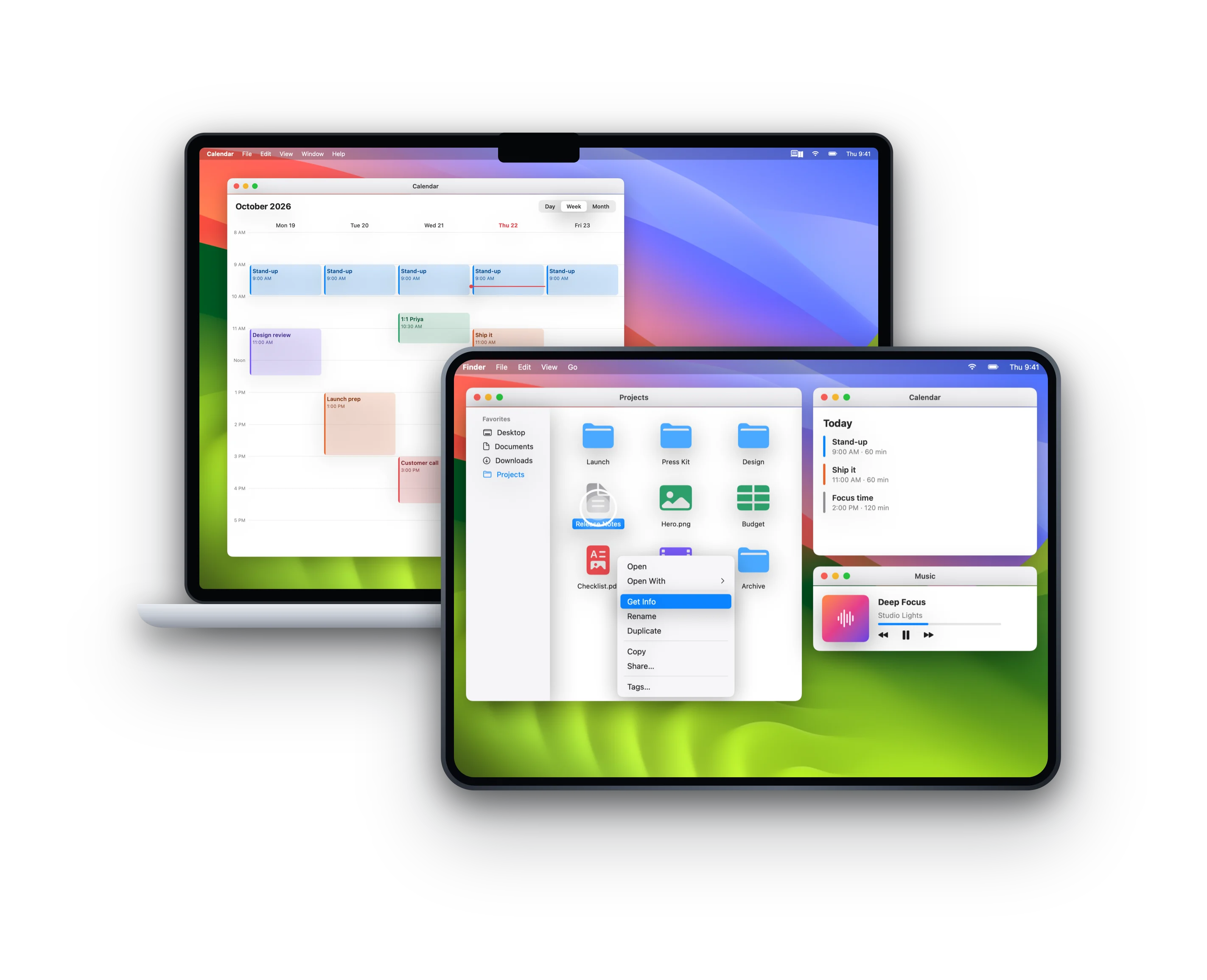
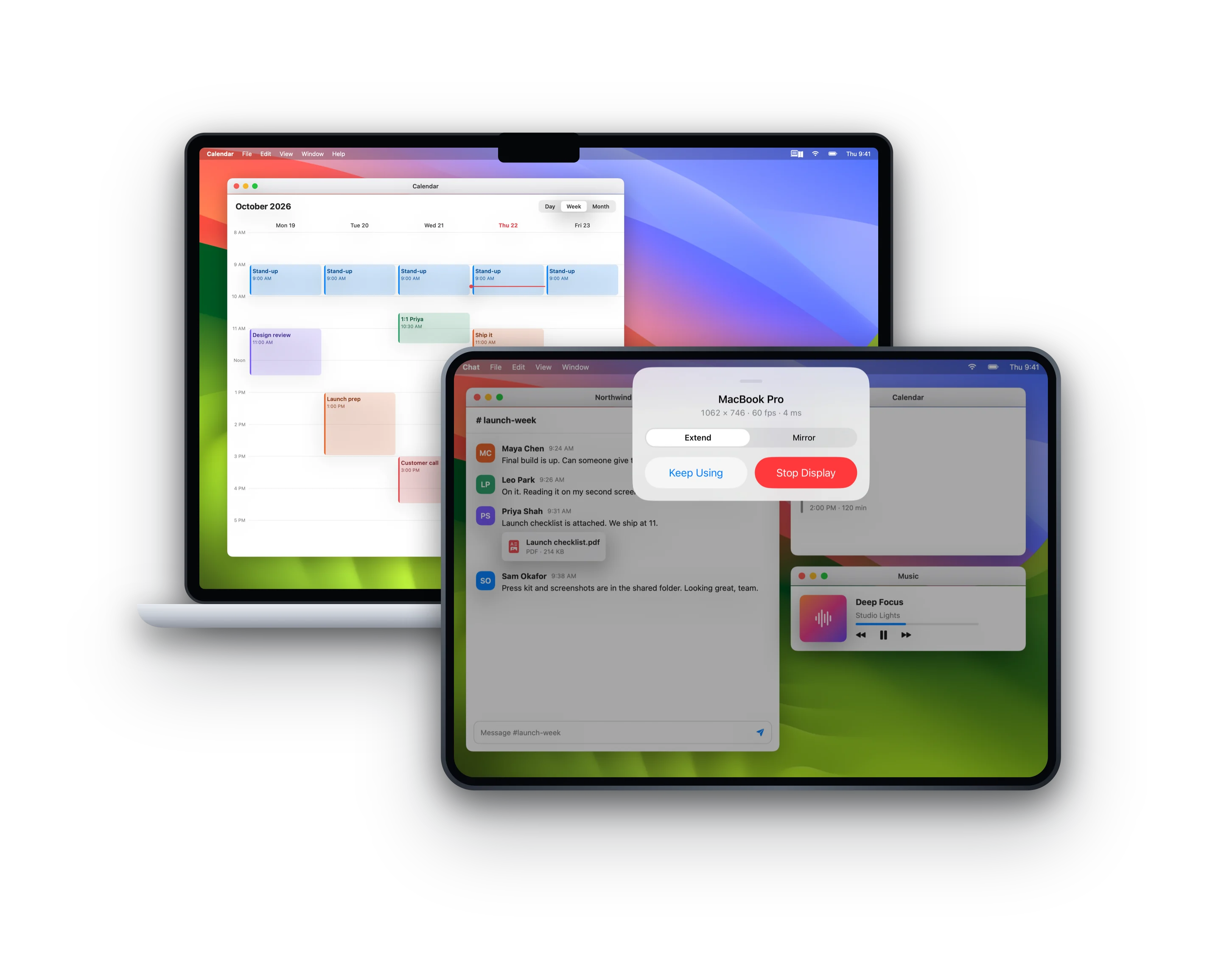
Keep chat or music on your iPhone, or show exactly what's on your Mac. Swipe down for controls.
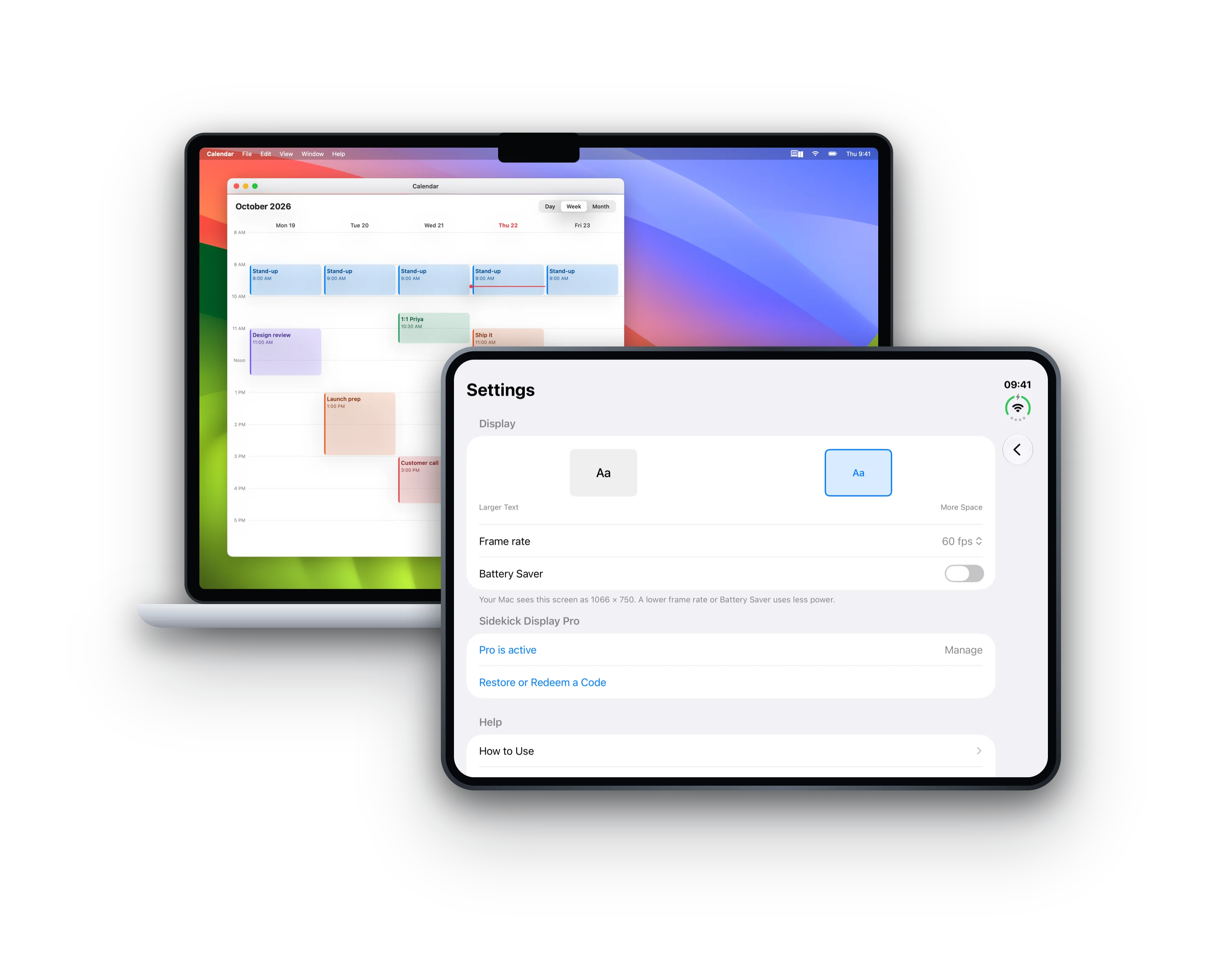
Pick true-to-life text, or a size that fits more of your Mac on the Duo's screen.
Connect a cable and the display starts by itself.
Extend or mirror your Mac. On Windows 10 and 11, mirror your PC's main screen (beta).
60 fps, every display size, Wi-Fi and unlimited time. The free plan runs at 30 fps for 20 minutes a day.
Why I built it
iPhone Duo opens into a big screen. I wanted it next to my laptop as a second display, so I built this.
Nils
Yes. Sidekick Display for Mac (macOS 14 or later) and for Windows (Windows 10 or 11) are free downloads from this page.
Yes, in beta. Your iPhone shows a copy of your PC's main screen, with touch. For USB, install Apple's free Apple Devices app from the Microsoft Store. Extending your desktop, like on a Mac, is coming.
Yes, any iPhone on iOS 17 or later. It's made for iPhone Duo, where it uses both screens.
Screen Recording sends the picture. Accessibility turns your touches into clicks.
Yes, at 30 fps for 20 minutes a day. Pro removes the limits.
Yes, with Pro. USB gives the lowest lag.
Your iPhone Duo as a second screen for Mac and Windows.
More apps from Headwind Lab
 TriCoachScience-backed triathlon training
 SwimStructuredStructured workouts from raw text
 FuelPerfectCarb and hydration planner
 LiveHeatCore temperature on your wrist
 TrueWattERG mode from your power meter
 WindWaterSailTides, currents and wind
 Bike Path Flood TrackerSausalito to Mill Valley path
 SymboCalcSymbolic calculator
 MultiVoiceTranscripts split by speaker
 JamShared whiteboard for ideas
 AgentSchedulerKeeps your agents going while you're away