Why I built it
My limit reset at 3 AM. I was asleep.
Claude Code would hit its limit mid-task and reset hours later. I built this so the session resumes on its own.
Nils

Hit your Claude Code limit? Schedule Enter for when it resets, walk away, and the session picks back up.
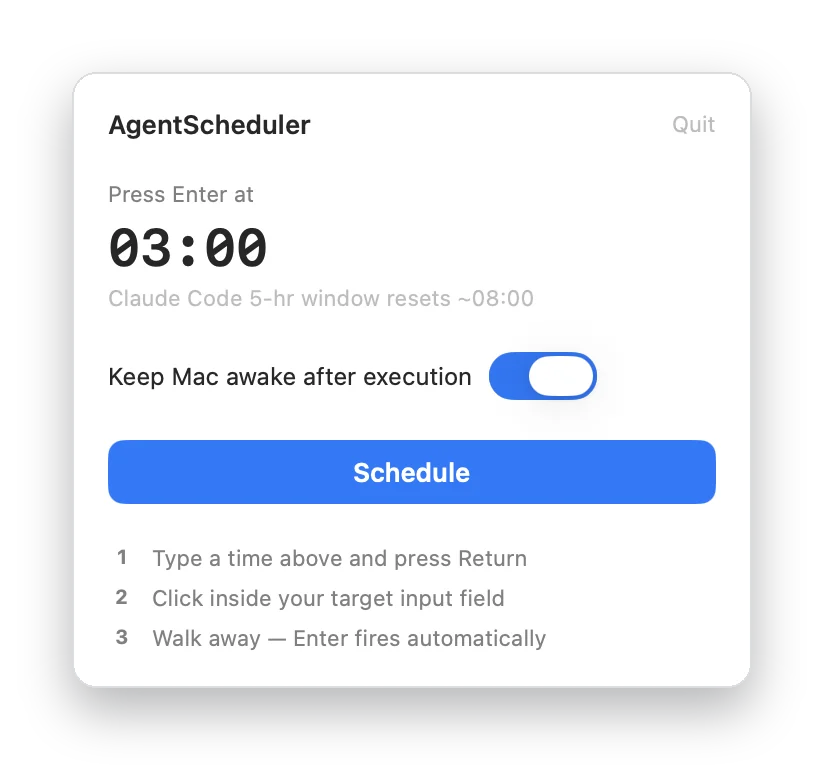
Why it's different
Shows when your Claude Code 5-hour window resets.
Type a time, click into your agent, walk away.
No account, no analytics, no network requests.
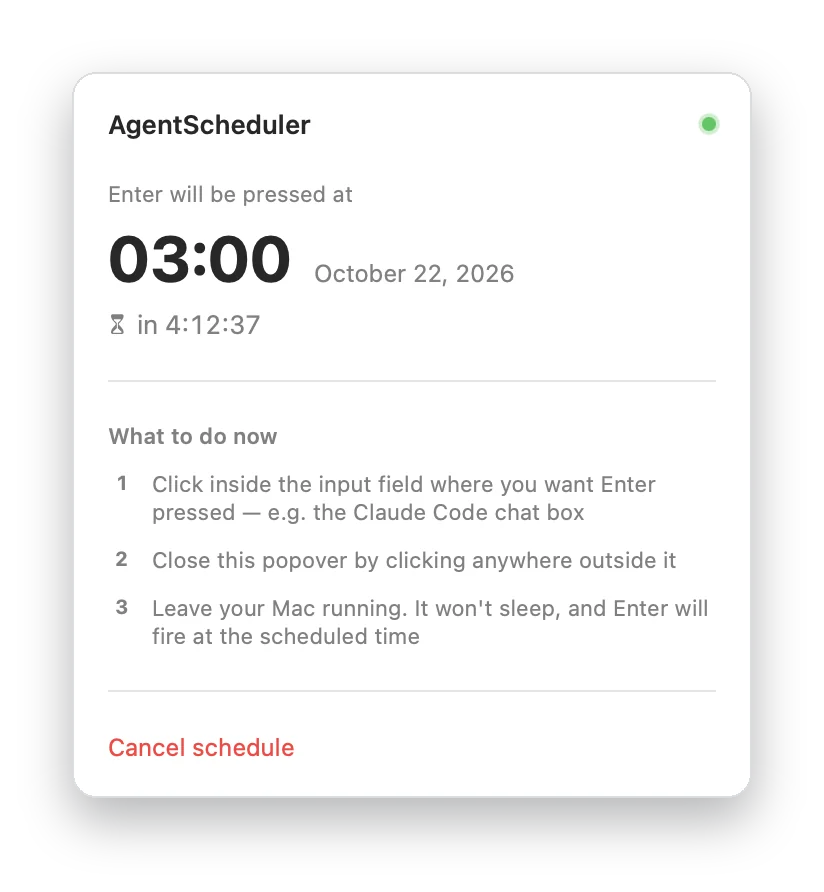
Click into Claude Code or any app and leave. Enter fires on time, with a live countdown.
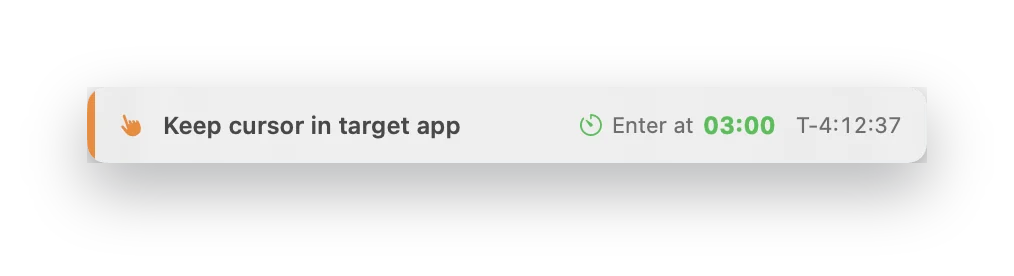
A small banner keeps the time and countdown in view, so you don't move the cursor.
Type 3:00 or 2:30 PM. It shows when your Claude Code window resets.
It blocks sleep until Enter fires, and can stay awake after so your agent keeps working.
No Dock icon, no window. The icon turns green while a run is scheduled.
Why I built it
Claude Code would hit its limit mid-task and reset hours later. I built this so the session resumes on its own.
Nils
Open the DMG and drag AgentScheduler to Applications. It isn't notarized yet, so the first time, go to System Settings, Privacy & Security, and click Open Anyway.
To press Enter in another app. It's used for nothing else.
Any app with a text field: Claude Code, Codex, a terminal or a chat window.
Keep the lid open. It stops your Mac from sleeping, but closing the lid still puts most Macs to sleep.
macOS 14 or later, on Apple silicon or Intel.
More apps from Headwind Lab
 TriCoachScience-backed triathlon training
 SwimStructuredStructured workouts from raw text
 FuelPerfectCarb and hydration planner
 LiveHeatCore temperature on your wrist
 TrueWattERG mode from your power meter
 WindWaterSailTides, currents and wind
 Bike Path Flood TrackerSausalito to Mill Valley path
 SymboCalcSymbolic calculator
 Sidekick DisplayYour iPhone Duo as a second screen for Mac and Windows
 MultiVoiceTranscripts split by speaker
 JamShared whiteboard for ideas